Key takeaways
- Replace a weak source photo before spending credits on repeated retries.
- Soft faces in wide shots are different from identity drift in close-ups and need different fixes.
- A failed task releases reserved credits; do not keep resubmitting while the first task is still uncertain.
- Higher resolution improves output detail but cannot restore information missing from the original portrait.
Diagnose the input before the model
Open the original portrait at normal size. If the face already looks soft, the eyes are hidden or the hair blends into the background, generation has to invent those details. A different source photo is usually a better fix than repeating the same request.
Separate expected AI variation from an actual failure. A moving strand of hair or simplified hand in a distant shot may be normal. A task that never finishes, returns no playable file or shows a failed status is an operational problem and should not consume the reserved credits.
The face becomes soft in wide shots
Wide aerial frames give the face fewer pixels than a close-up. Start with a high-quality portrait where the face occupies a meaningful part of the image. Avoid screenshots, compressed social-media downloads and group photos cropped after the fact.
HD 720p can make the finished frame cleaner, but it cannot create identity cues that are absent from the upload. Test the stronger portrait at 480p first; move to 720p after the identity looks right.
The close-up stops looking like the person
Identity drift in a close-up often points to hidden or ambiguous facial features. Use a front-facing or three-quarter image with both eyes visible, a natural expression and even lighting. Remove sunglasses, masks and heavy beauty filters.
Choose a recent photo that represents how the person should appear. Mixing an old face with a current hairstyle or using a strongly stylized portrait asks the model to reconcile conflicting cues.
The guitar neck or hands distort
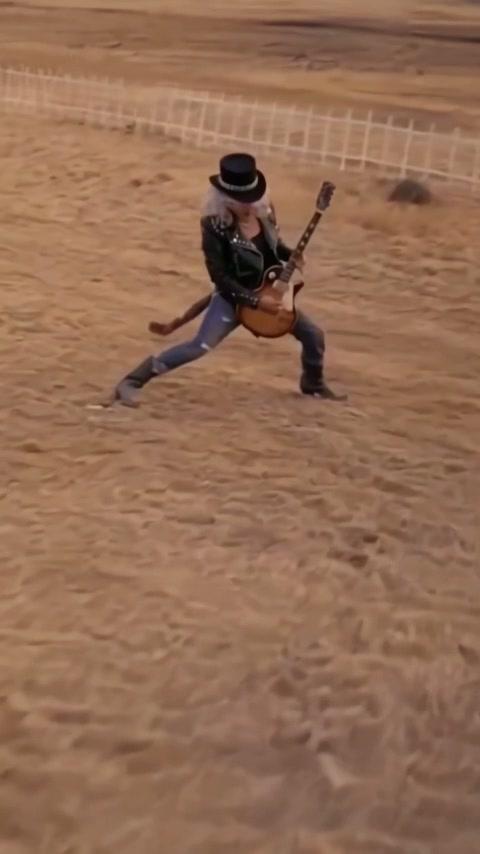
The guitar comes from the motion reference, not the source portrait. However, hands, hair or clothing covering the chest and arm area can compete with the instrument when the subject is inserted. Pick a portrait with a clear shoulder line and no objects held in front of the torso.
Minor finger simplification in a fast or distant shot can be normal. A missing guitar neck across multiple frames is a stronger reason to retry with a cleaner portrait rather than the same obstructed image.
Hair flickers or blends into the scene
Hair edges are difficult when the source has motion blur, flyaways against a similar-colored wall or bright light directly behind the head. Use a still portrait with clear contrast around the hairstyle and enough space above it.
Do not cut around the person and upload a rough transparent background unless the cutout is clean. Jagged or missing hair in the source can become more obvious once the camera moves.
The task fails or stays uncertain
Read the status message before trying again. Invalid format, unsupported content or a safety block requires a different input. A retryable provider outage can trigger the controlled fallback automatically, so manual duplicate submissions are unnecessary.
If submission status is uncertain, do not immediately create another task. The system avoids switching providers in that state because two providers could otherwise generate the same order. Wait for the status page to resolve or use the private access link from the purchase email.
- Failed generation: reserved credits are released
- Safety or invalid input: change the source before retrying
- Uncertain submission: wait for status rather than duplicating the task
- Completed but not downloaded: use My videos or the private email link
The video is silent or will not download
The provider render is intentionally silent, then the site adds the validated reference audio. If a completed result is silent, refresh the result page once and test the downloaded MP4 in a second player before treating it as a generation issue.
For download trouble, allow the browser to save the file and check available storage. Generated results remain available for 90 days, but a local download is the safest way to keep the final copy.
Common questions
Should I retry the same photo several times?
Not first. Correct visible source problems before spending credits on repeated generations.
Will 720p fix the face?
It can preserve more output detail, but it cannot replace missing identity information in a weak source photo.
What happens to credits after a failed task?
Reserved credits are released when the task fails or is blocked.
Why is the provider render silent?
The system creates the visual first and combines the validated reference audio afterward.
Sources and product evidence
Product behavior, credit costs and input requirements are verified against the live project configuration and its validated example. Historical context uses the sources below.